
How do I edit an Aspire leader's information?
Overview
Course managers with Owner or License Manager permission can edit a leader's information in the Lexia Aspire® Professional Learning learning platform. This article explains this process.
Applies to: Course managers who have Owner or License Manager permissions for Lexia Aspire® Professional Learning.
Does not apply to: Course managers who have Cohort Manager or View Only permissions or educators who are participants of Lexia Aspire® Professional Learning.
Edit a leader's information
Log in to lexiaaspire.com.
Make sure you are accessing your account as a course manager.
Select the Manage tab at the top of the page.
From the dropdown menu, select Licenses.
Select the All Licensed Leaders tab.
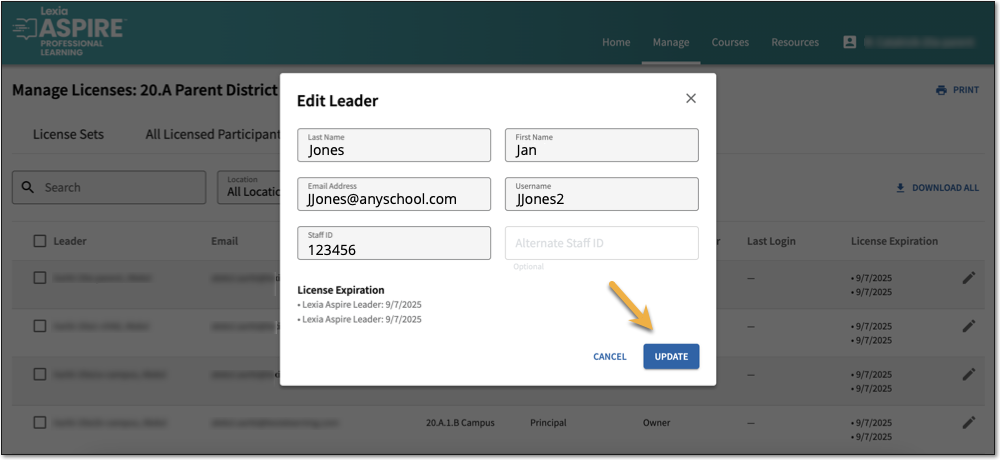
Select the pencil to the far right of the participant's name, and then select Edit.
After editing, select Update to save your changes.