



Aspire First-Time Login
Aspire First-Time Login
Overview
This article explains the steps to log in to Lexia Aspire® Professional Learning for the first time.
Applies to: All educators, leaders, and course managers who have accounts in the learning platform for Lexia Aspire® Professional Learning.
How do I log in to Aspire for the first time?
To set up your account in the Aspire learning platform:
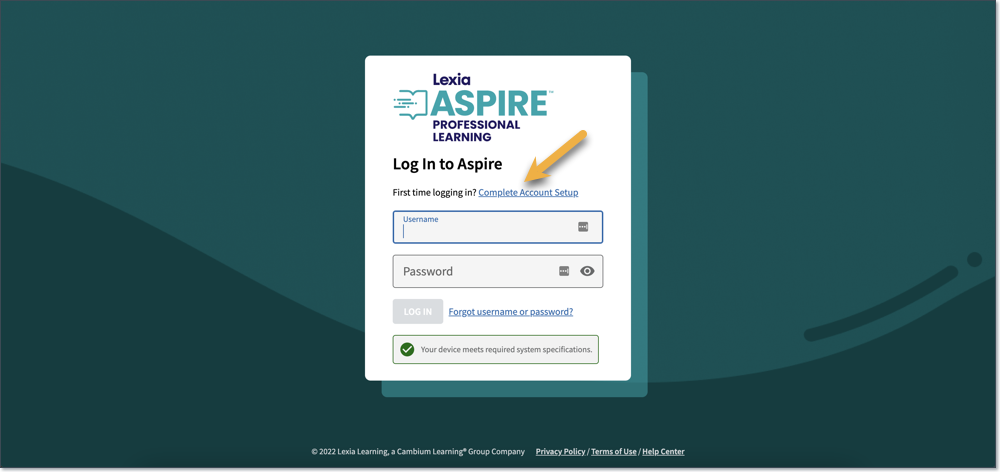
Go to lexiaaspire.com.
Select Complete Account Setup. You will be directed to the Complete Account Setup page.
Enter a valid email address, and select Submit. You will receive confirmation that an email has been sent.
Open the Create Your Password email:
Write down your username.
Select the link. It will direct you to the Create Your Password page.
Enter a valid password, and select Submit. You will see confirmation that your password has been successfully created.
After creating your password, you will be redirected to the login screen. Enter your username and password to log in.