

How do I register for a LETRS Connect event?
How do I register for a LETRS Connect event?
Overview
Lexia® LETRS® Connect events are live virtual events featuring panels of educators, researchers, practitioners, and subject matter experts. These events are designed to help deepen your understanding of the science of reading, and learn about more ways to apply evidence-based instructional routines in the classroom.
This article explains how to register for LETRS Connect events.
Applies to: Participants who have completed a course of study in Lexia® LETRS®, Lexia® LETRS® for Early Childhood Educators, and/or Lexia® LETRS® for Administrators and are continuing their professional learning journey in Lexia® LETRS® Connect.
How do I register for an event?
To register for a LETRS Connect event:
-
Log in to LETRS Connect and select Home.
-
Under Events, select View next to the name of the event.
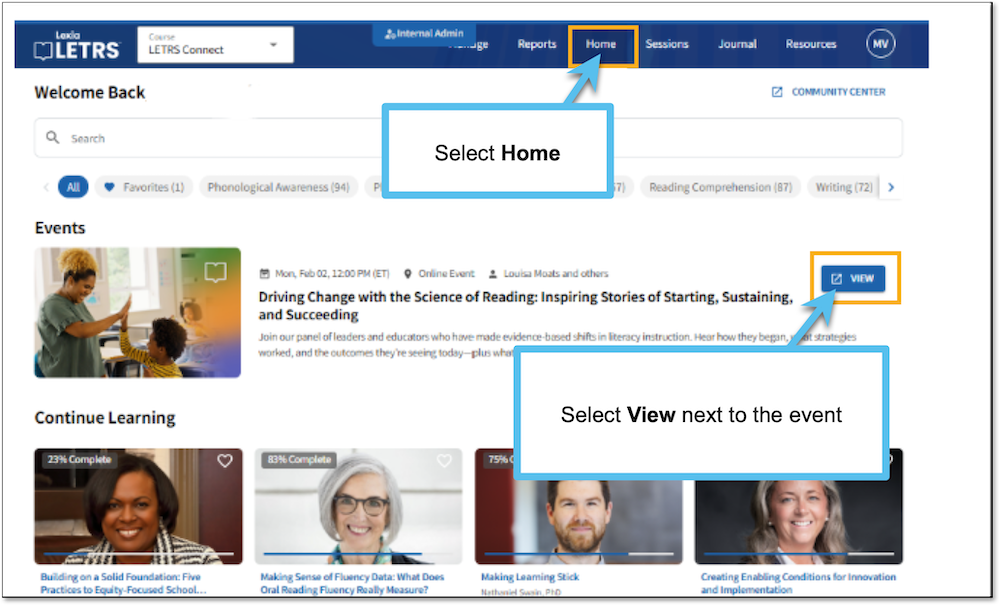
Events will display on the LETRS Connect homepage for 45 days prior to the event.
-
Read the Terms and Conditions, and select Acknowledge.
-
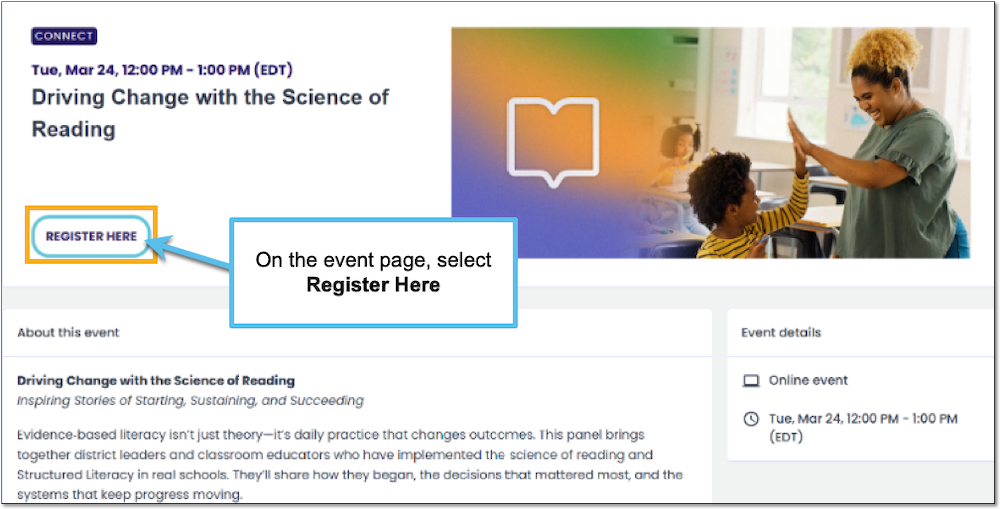
On the event details page, select Register Here.
-
You will see a message confirming that you have registered for the event. You will receive an email with a Zoom link and login instructions for the day of the event.
What if I am no longer able to attend an event?
If you are no longer able to attend the event you signed up for, change your RSVP via the LETRS Connect homepage:
-
On the LETRS Connect homepage, select View next to the event.
-
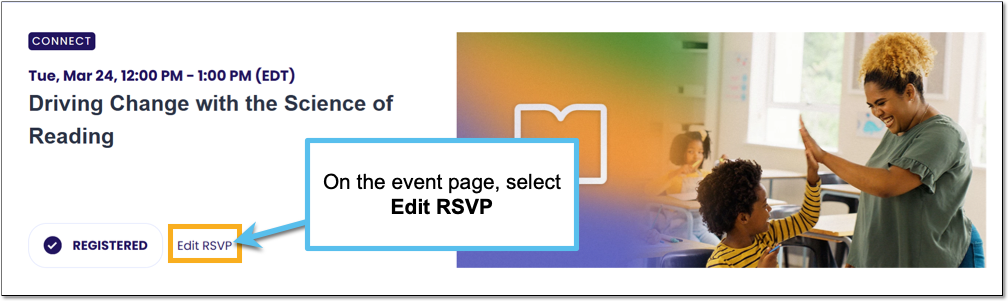
On the event page, select Edit RSVP.
-
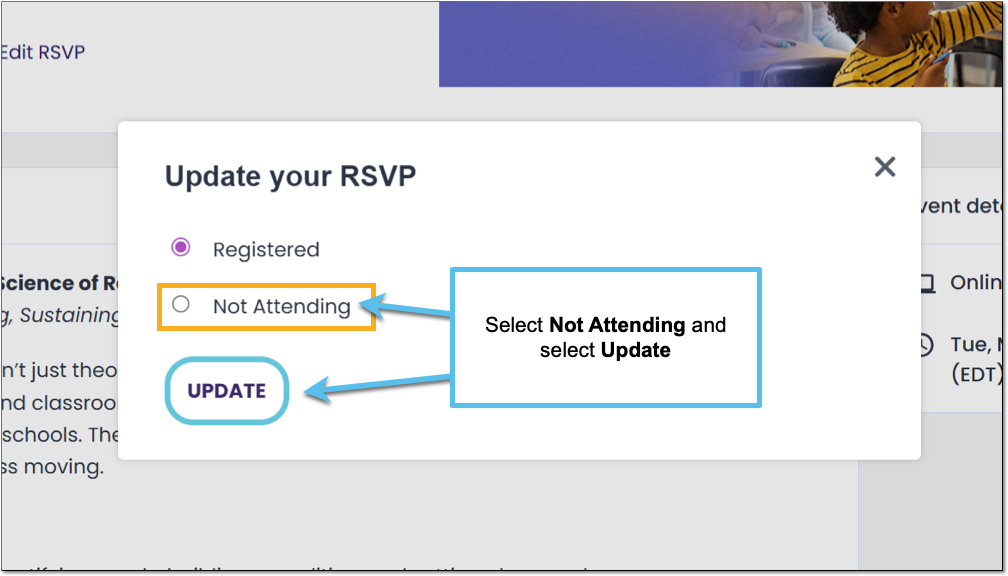
Select Not Attending.
-
Select Update.